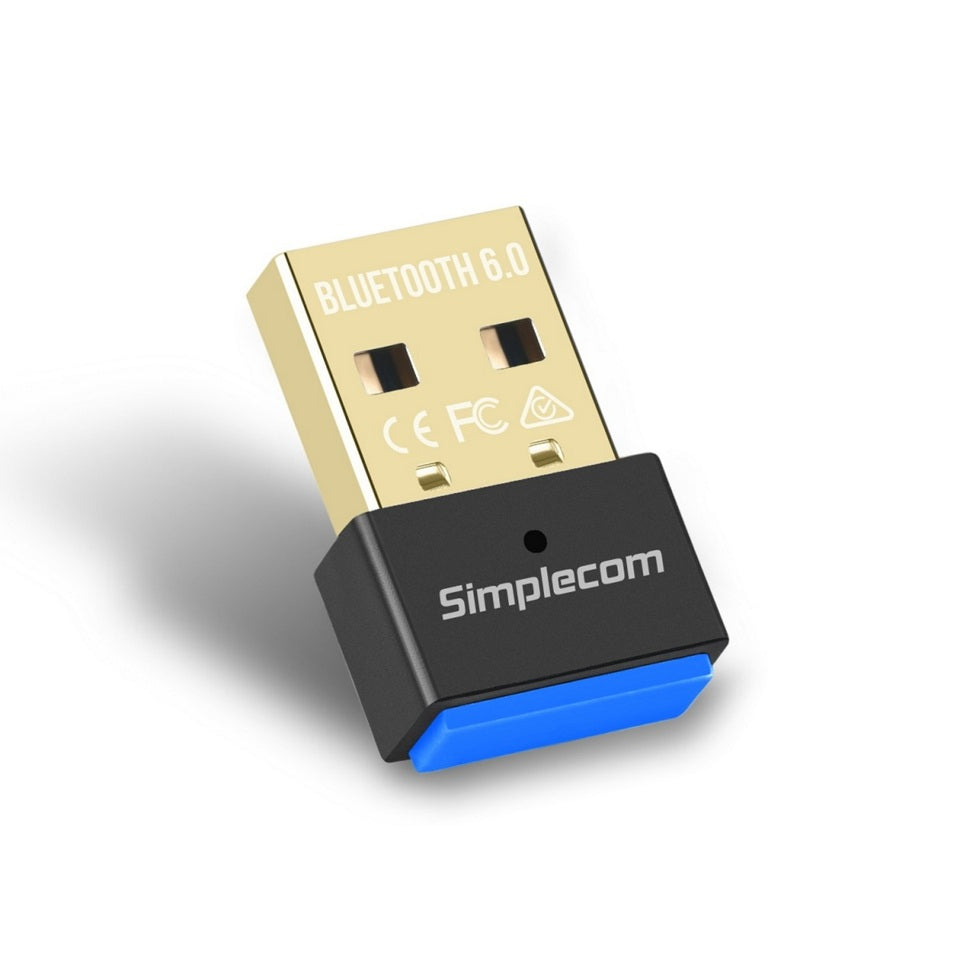
Simplecom NB600 USB Bluetooth 6.0 Adapter
Simplecom NB600 USB Bluetooth 6.0 Adapter
SKU:HXSI-NB600
The Simplecom NB600 is a USB Bluetooth 6.0 adapter designed to add wireless connectivity to Windows PCs and laptops. Featuring backward compatibility, support for up to 5 simultaneous devices, and advanced codec support for Hi-Res audio, it delivers reliable wireless convenience for business and personal use.
Couldn't load pickup availability
- See our return policy
- 12 months Manufacturer Warranty
Product Information
| Brand | Simplecom |
|---|---|
| Category | USB, Bluetooth & IEEE |
| SKU | HXSI-NB600 |
| Availability | In Stock |

Overview
- The Simplecom NB600 brings Bluetooth 6.0 connectivity to Windows PCs and laptops without requiring internal hardware upgrades. Simply plug the compact USB adapter into any available port to instantly add wireless capability for headphones, speakers, keyboards, mice, and other Bluetooth devices.
Designed for Windows environments, the NB600 offers faster device discovery and reduced energy consumption compared to earlier Bluetooth standards. It supports Bluetooth Low Energy (BLE) to minimise power draw while maintaining full backward compatibility with existing devices and older Bluetooth versions.
With the ability to connect up to 5 devices simultaneously and a 20-metre transmission range, this adapter suits both office and home office environments. Advanced codec support delivers Hi-Res wireless audio quality, whilst ultra-low latency ensures stable connections for calls and media streaming without noticeable delay.
Specifications
| Bluetooth Standard | Bluetooth 6.0 (backward compatible) |
|---|---|
| Interface | USB 2.0 |
| Power Source | USB powered |
| Operating Frequency | 2.402 – 2.480 GHz |
| Transmission Range | Up to 20 metres (Class II) |
| Sensitivity | -86 dBm @ 0.1% BER |
| Supported Profiles | SPP, HID, ANCS, HSP, HFP, HCRP, A2DP, AVRCP |
| Operation Modes | BR/EDR (Classic), BLE (Low Energy) |
| Simultaneous Device Connections | Up to 5 devices |
| Data Rate | EDR up to 3 Mbps |
| Operating Temperature | 0°C to 40°C |
| Operating Humidity | 10% to 90% RH (non-condensing) |
| Dimensions | 22 × 14 × 6 mm (L × W × H) |
| Windows Compatibility | Windows 7 (driver required), Windows 10 and later (plug and play) |
| Warranty | 12 months |
Key Features
Ideal For
FAQs
Is the Simplecom NB600 compatible with my Windows PC?
Yes. The NB600 works with Windows 7 (driver installation required), Windows 10, Windows 11, and later. For Windows 10 and later, it installs automatically as a plug-and-play device when you plug it in. Windows 7 users will need to download and install drivers separately.
How many Bluetooth devices can I connect at once?
The NB600 supports simultaneous connections to up to 5 Bluetooth devices. However, only one device can actively transmit audio or data at a time. You can switch between connected devices as needed.
What is the effective range of this adapter?
The NB600 has a transmission range of up to 20 metres under Class II power standard conditions. Actual range may vary depending on obstacles, interference, and the receiving device's specifications.
Can I use this adapter with my laptop's built-in Bluetooth?
No. Each PC can only run one Bluetooth adapter at a time. If your laptop has built-in Bluetooth, you will need to disable it in Device Manager before using the NB600 to avoid software conflicts.
Does the NB600 support wireless headphones and speakers?
Yes. The NB600 supports A2DP and AVRCP profiles, which allow you to connect Bluetooth headphones, speakers, and other audio devices. It also supports advanced codecs for Hi-Res audio quality.
What is Bluetooth Low Energy (BLE) and why does it matter?
Bluetooth Low Energy is a power-efficient mode that reduces energy consumption for devices that don't require continuous high-speed data transfer, such as wireless mice and keyboards. The NB600 supports BLE to help minimise overall power usage.
Do I need an internet connection to use the NB600?
For Windows 10 and later, an internet connection is required during the initial plug-and-play installation so Windows can automatically find and install drivers. After installation, the adapter works without internet. Windows 7 users must manually download drivers first.