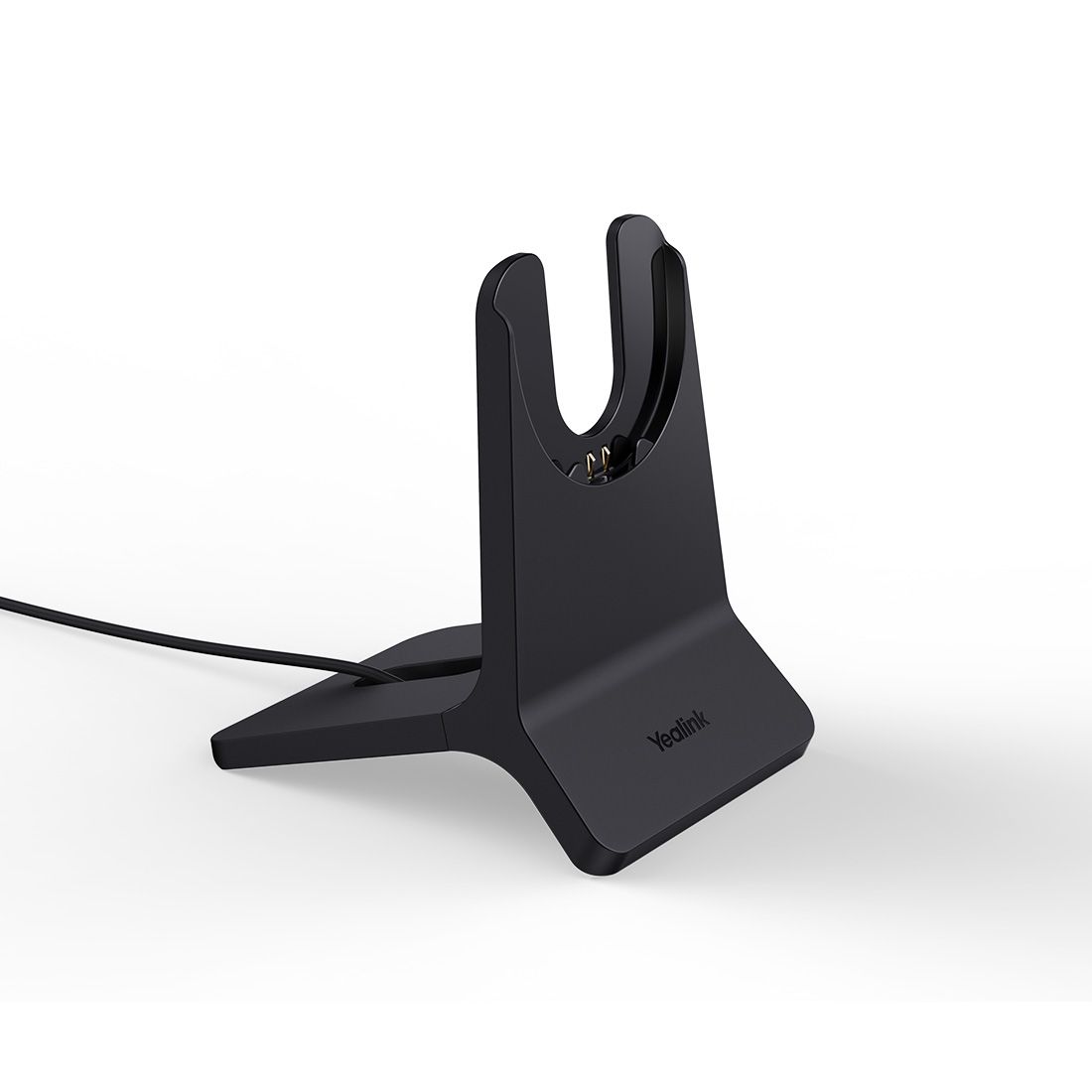
Yealink CH-BH74/WH68-H Charging Stand
Yealink CH-BH74/WH68-H Charging Stand
SKU:IPY-CS-BH74-WH68H
Couldn't load pickup availability
- See our return policy
- 24 months Manufacturer Warranty
Product Information
| Brand | Yealink |
|---|---|
| Category | VOIP Headsets |
| SKU | IPY-CS-BH74-WH68H |
| Availability | In Stock |

Overview
- The Yealink CH-BH74/WH68-H Charging Stand is a purpose-built accessory for Yealink BH74 and WH68 hybrid headsets. This dedicated stand simplifies charging and storage at the desktop, keeping headsets organised and ready for use throughout the workday.
Designed for busy contact centres and professional office environments, the stand connects via standard USB-A 2.0, integrating seamlessly into existing IT infrastructure. It ensures your headsets remain accessible and charged without cluttering desk space.
Yealink's charging stand is an essential accessory for organisations deploying multiple BH74 or WH68 headsets across teams, providing a reliable and tidy charging solution.
Specifications
| Brand | Yealink |
|---|---|
| Model | CH-BH74/WH68-H |
| Product Type | Headset Charging Stand |
| Compatible Headsets | Yealink BH74, Yealink WH68 |
| Connection Type | USB-A 2.0 |
| Warranty | 24 months |
Key Features
Ideal For
FAQs
Which Yealink headsets does this charging stand support?
The Yealink CH-BH74/WH68-H charging stand is compatible with the Yealink BH74 and WH68 hybrid headsets.
What type of USB connection does it use?
The stand connects via USB-A 2.0 cable, making it compatible with standard computer USB ports and powered hubs.
Can I use this stand with other Yealink headsets?
This stand is specifically designed for the BH74 and WH68 models. Compatibility with other Yealink headsets should be verified before purchase.
What warranty does this product include?
The Yealink CH-BH74/WH68-H comes with a 24-month manufacturer warranty.
Is this suitable for contact centre environments?
Yes, this charging stand is ideal for contact centres and multi-user office environments where BH74 or WH68 headsets are deployed, providing organised charging and storage.
Do I need a power adapter for this stand?
The stand uses a USB-A 2.0 connection. It draws power from your computer's USB port or a USB power adapter, depending on your setup.