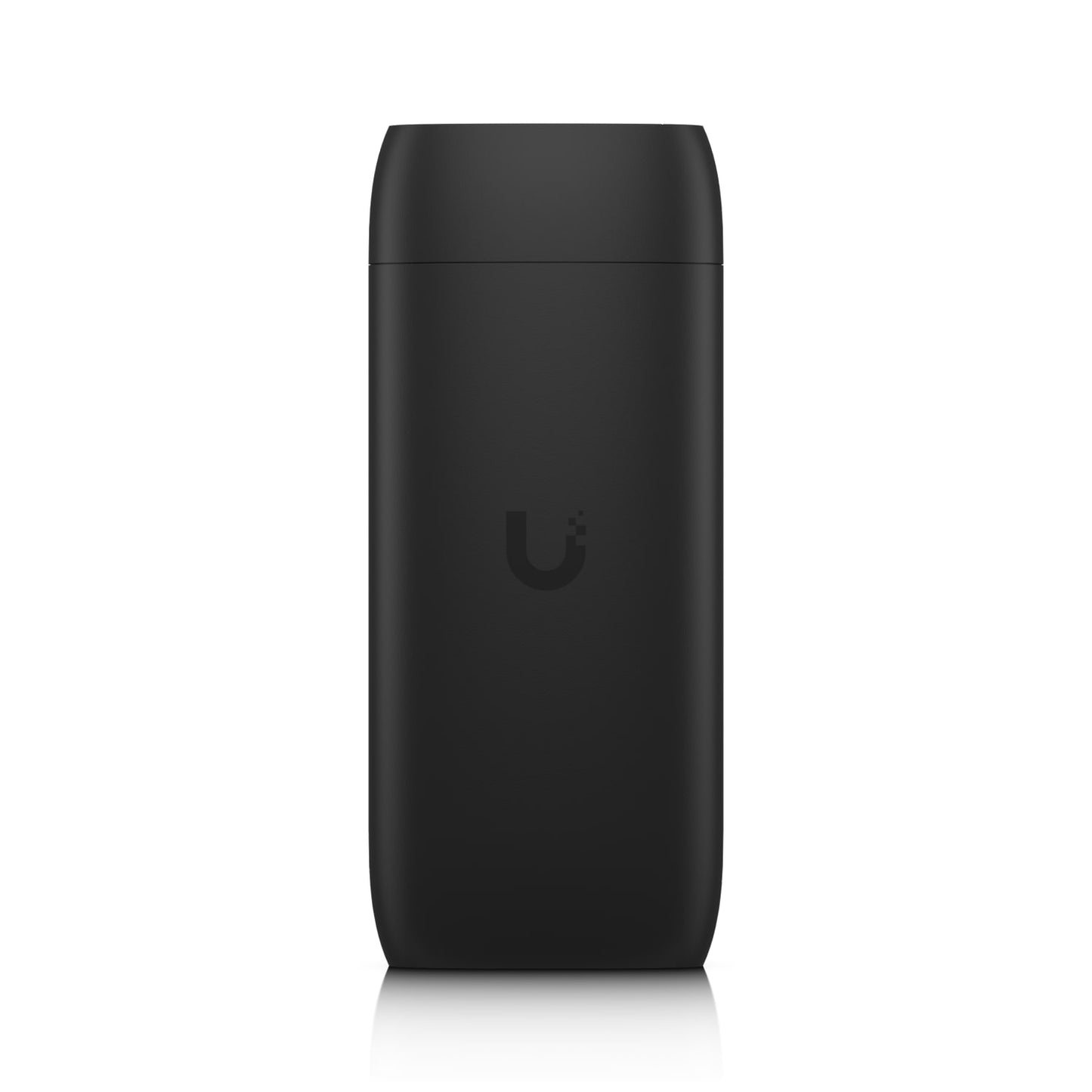
Ubiquiti Display Cast Pro Digital Signage Player
Ubiquiti Display Cast Pro Digital Signage Player
SKU:NHU-UC-CAST-PRO
Couldn't load pickup availability
- See our return policy
- 12 months Manufacturer Warranty
Product Information
| Brand | Ubiquiti |
|---|---|
| Category | Network - UniFi |
| SKU | NHU-UC-CAST-PRO |
| Availability | In Stock |

Overview
- The Ubiquiti Display Cast Pro is a purpose-built digital signage player that transforms any HDMI-compatible display into a managed multimedia screen. Integrated with UniFi Connect, it enables centralised control of content playlists, automated display scheduling, and dynamic signage layouts across multiple locations from a single dashboard.
Designed for businesses requiring reliable, scalable digital signage infrastructure, the Display Cast Pro supports 4K media, websites, and live YouTube streaming. Its HDMI CEC capability automatically powers displays on and off according to schedule, reducing energy consumption and extending display lifespan. USB-C connectivity provides flexible peripheral support for interactive deployments.
Flexible power delivery via PoE or USB-C adapter simplifies installation in diverse environments, whilst seamless integration with UniFi WiFi Auto-Link or Ethernet ensures consistent connectivity. This is the ideal solution for organisations already invested in Ubiquiti's UniFi ecosystem seeking enterprise-grade signage management.
Specifications
| Brand | Ubiquiti |
|---|---|
| Model | Display Cast Pro |
| Product Type | Managed Digital Signage Player |
| Maximum Resolution | 4K |
| Display Interface | HDMI |
| Content Support | Media files, websites, YouTube videos |
| Management | UniFi Connect |
| Playlist Management | Multimedia playlists and dynamic layouts |
| Display Control | HDMI CEC (automatic power on/off) |
| Peripheral Support | USB-C keyboard and mouse control |
| Power Input Options | PoE or USB-C adapter |
| Network Connectivity | UniFi WiFi Auto-Link or Ethernet |
| Warranty | 12 months |
| Manufacturer SKU | UC-Cast-Pro |
| Included Accessories | None (USB-C power adapter and HDMI cable sold separately) |
| Limitations | Does not support Protect camera streaming; use Protect Viewport for camera feeds |
Key Features
Ideal For
FAQs
What displays are compatible with the Display Cast Pro?
The Display Cast Pro works with any HDMI-compatible display, including TVs, monitors, and commercial-grade signage screens. HDMI CEC support enables automatic power control on compatible displays.
How is the Display Cast Pro powered?
The unit supports two power options: Power over Ethernet (PoE) or USB-C adapter. This flexibility allows installation in various environments without requiring dedicated power outlets near displays.
Can I manage multiple Display Cast Pro units from one location?
Yes. UniFi Connect provides centralised management of multiple Display Cast Pro units, allowing you to create, schedule, and deploy content playlists and layouts across all connected devices from a single dashboard.
What content can the Display Cast Pro display?
The Display Cast Pro supports 4K media files, websites, and YouTube videos. It can create dynamic playlists and signage layouts managed through UniFi Connect for scheduled or real-time content updates.
Is networking required for the Display Cast Pro?
Yes. The unit requires network connectivity via UniFi WiFi Auto-Link or Ethernet to enable management through UniFi Connect and content updates.
Can I use the Display Cast Pro with non-Ubiquiti networks?
Whilst the Display Cast Pro is designed for integration with UniFi infrastructure, it can connect to standard Ethernet networks. However, centralised management through UniFi Connect requires a UniFi setup.
What accessories are included with the Display Cast Pro?
The Display Cast Pro is supplied without the USB-C power adapter and HDMI cable. These must be purchased separately to complete your installation.
Does the Display Cast Pro support interactive features?
Yes. USB-C peripheral support enables keyboard and mouse control, allowing for interactive applications and user input on connected displays.