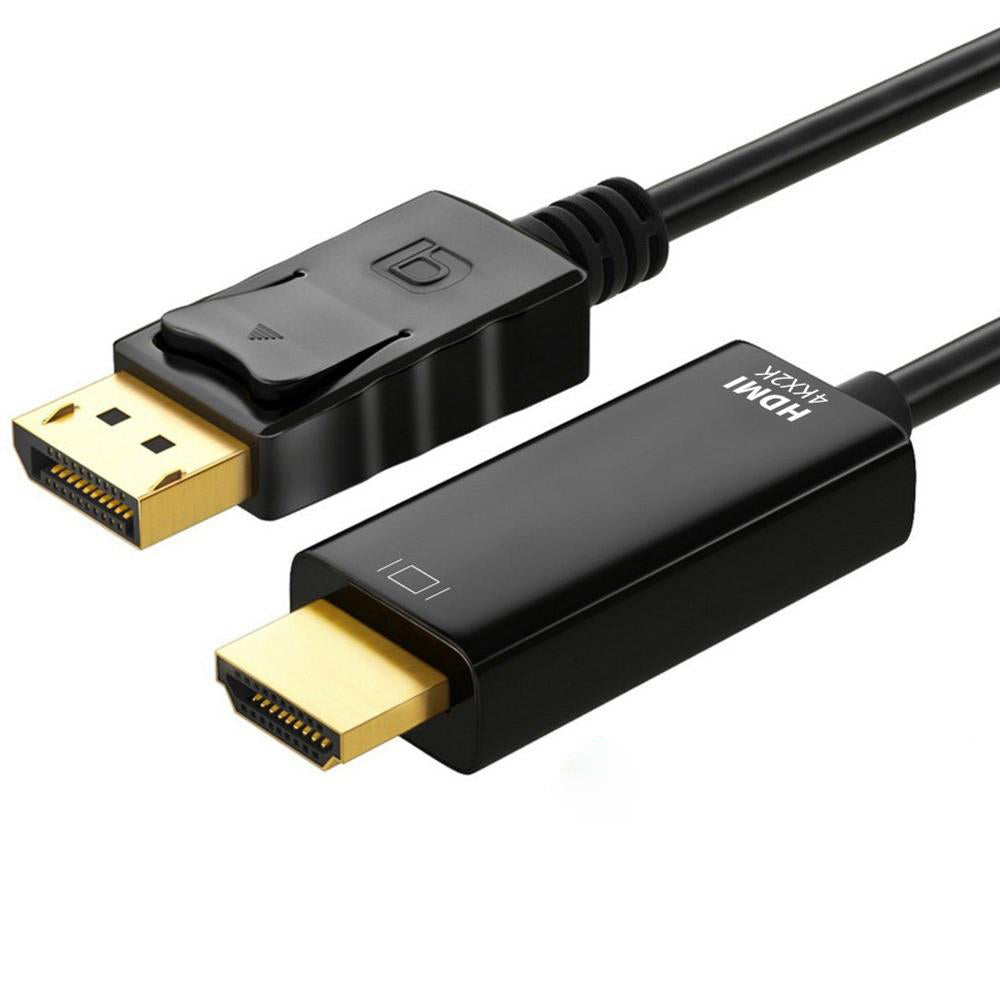
Astrotek 1m DisplayPort to HDMI Cable Adapter 4K
Astrotek 1m DisplayPort to HDMI Cable Adapter 4K
SKU:CBAT-DPHDMI4K-1M
The Astrotek AT-DPHDMI4K-1M is a DisplayPort to HDMI cable adapter designed for connecting laptops and PCs to external displays. Supporting 4K resolution at 30Hz and full plug-and-play operation, it simplifies video connectivity for professionals and businesses requiring reliable display extension.
Couldn't load pickup availability
- See our return policy
- 12 months Manufacturer Warranty
Product Information
| Brand | Astrotek |
|---|---|
| Category | Cables |
| SKU | CBAT-DPHDMI4K-1M |
| Availability | In Stock |

Overview
- The Astrotek DisplayPort to HDMI cable adapter provides a straightforward solution for connecting DisplayPort-equipped devices to HDMI displays. With support for 4K resolution at 30Hz, it delivers sharp, detailed video output suitable for professional work and presentations. The 1-metre shielded cable ensures reliable signal integrity, while plug-and-play connectivity eliminates the need for drivers or complex configuration.
Designed for IT professionals, office managers, and businesses transitioning to modern display standards, this adapter bridges legacy HDMI infrastructure with newer DisplayPort-enabled computers. The unidirectional design means it converts DisplayPort input to HDMI output only, making it ideal for standard laptop-to-monitor setups. Whether you're setting up a conference room or extending a workstation display, this cable adapter provides dependable video connectivity without unnecessary complexity.
Specifications
| Brand | Astrotek |
|---|---|
| Model | AT-DPHDMI4K-1M |
| Product Type | DisplayPort to HDMI Cable Adapter |
| Input Connector | DisplayPort Male |
| Output Connector | HDMI Male |
| Maximum Resolution | 4K (4096 × 2160) @ 30Hz |
| Alternative Resolution Support | 1080p Full HD |
| Cable Length | 1 metre |
| Cable Type | Shielded |
| Colour | Black |
| Conversion Type | Unidirectional (DisplayPort to HDMI only) |
| Installation | Plug-and-play |
| Warranty | 12 months |
Key Features
Ideal For
FAQs
Does this adapter work with all DisplayPort devices?
This adapter is compatible with any device featuring a DisplayPort output, including laptops, desktop computers, and graphics cards. However, the source device must support DisplayPort for video output.
Can I use this adapter in reverse (HDMI to DisplayPort)?
No, this is a unidirectional adapter. It converts DisplayPort input to HDMI output only. It cannot be used in reverse.
What is the maximum resolution supported?
The adapter supports up to 4K resolution (4096 × 2160) at 30Hz, and also supports 1080p Full HD resolution.
Do I need to install drivers or software?
No, this is a plug-and-play adapter. Simply connect your DisplayPort source to the adapter and the adapter to your HDMI display—no driver installation is required.
Is audio transmitted through this adapter?
DisplayPort includes audio support, and this adapter passes audio alongside video when connecting to HDMI displays that support audio input.
Why is the cable shielded?
Shielding reduces electromagnetic interference and signal degradation, ensuring stable and high-quality video transmission, especially important for 4K video signals.
What if the cable is too short for my setup?
This adapter is 1 metre long. For longer distances, consider using a DisplayPort extension cable on the input side or an HDMI extension cable on the output side.