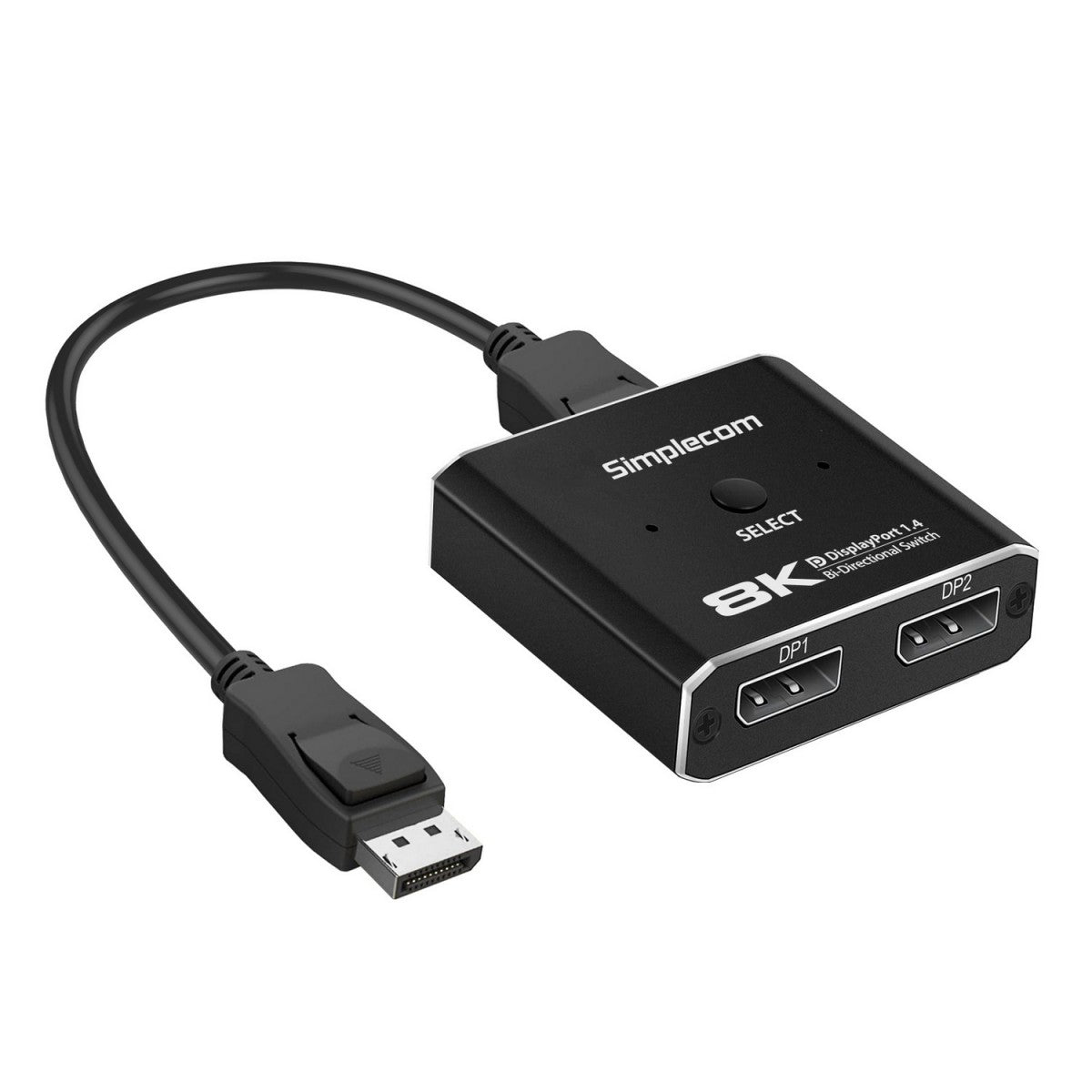
Simplecom CM202 Bi-Directional DisplayPort Switch DP 1.4 8K
Simplecom CM202 Bi-Directional DisplayPort Switch DP 1.4 8K
SKU:CBSI-CM202
Couldn't load pickup availability
- See our return policy
- 12 months Manufacturer Warranty
Product Information
| Brand | Simplecom |
|---|---|
| Category | Cables |
| SKU | CBSI-CM202 |
| Availability | In Stock |

Overview
- The Simplecom CM202 is a bi-directional DisplayPort switch designed to simplify video switching in modern workplaces. It allows users to toggle between two DisplayPort sources (such as laptops and desktops) connected to a single monitor, or to switch a single source between two displays—all with a simple button press. This eliminates the need to physically swap cables and enables faster workspace transitions.
Built to DisplayPort 1.4 specifications, the CM202 delivers up to 32Gbps bandwidth and supports video resolutions up to 8K@30Hz, 4K@120Hz, and 2K@144Hz, making it suitable for high-resolution and bandwidth-intensive professional applications. The compact, durable aluminium casing ensures portability and efficient heat management.
With Plug and Play installation and USB-C power input, the CM202 integrates seamlessly into existing setups. It's backwards compatible with earlier DisplayPort versions, ensuring broad device compatibility across enterprise and professional environments.
Specifications
| Brand | Simplecom |
|---|---|
| Model | CM202 |
| Product Type | Bi-Directional DisplayPort Switch |
| DisplayPort Version | DP 1.4 |
| Maximum Bandwidth | 32Gbps |
| Supported Video Resolutions | 8K@30Hz, 4K@120Hz, 2K@144Hz, 1080P@240Hz |
| HDR Support | Yes |
| Maximum Cable Distance | 3m (Input + Output combined) |
| Power Input | USB-C, DC 5V (adapter not included) |
| Maximum Operating Current | 0.5A |
| Operating Temperature Range | -15°C to +55°C |
| Dimensions (L x W x H) | 59 x 53 x 15mm |
| Weight | 35g |
| Housing Material | Aluminium alloy |
| Warranty | 12 months |
| Package Contents | 1x Bi-Directional DisplayPort Switch, 1x DisplayPort cable, 1x USB power cable |
Key Features
Ideal For
FAQs
Can I use the CM202 to connect two monitors to one PC?
Yes. In 1 input, 2 outputs mode, you can connect one DisplayPort source to two different displays and toggle between them. However, both monitors cannot display simultaneously—only one will be active at a time.
Does the CM202 require drivers or software installation?
No. The CM202 is Plug and Play and requires no driver installation. Simply connect your DisplayPort cables and USB power, then use the toggle button to switch sources.
What power supply do I need for the CM202?
The CM202 requires a USB-C power input with DC 5V at maximum 0.5A. A power adapter is not included, but most standard USB chargers will work.
Is the CM202 backwards compatible with older DisplayPort versions?
Yes. The CM202 is backwards compatible with earlier DisplayPort versions, so it will work with older DP-equipped devices.
What is the maximum cable length I can use with the CM202?
The maximum combined cable distance (input and output) is 3 metres for stable operation. Plan your cable routing accordingly.
Can the CM202 handle 4K video at high refresh rates?
Yes. The CM202 supports 4K@120Hz, making it suitable for high-refresh professional displays and creative workstations.