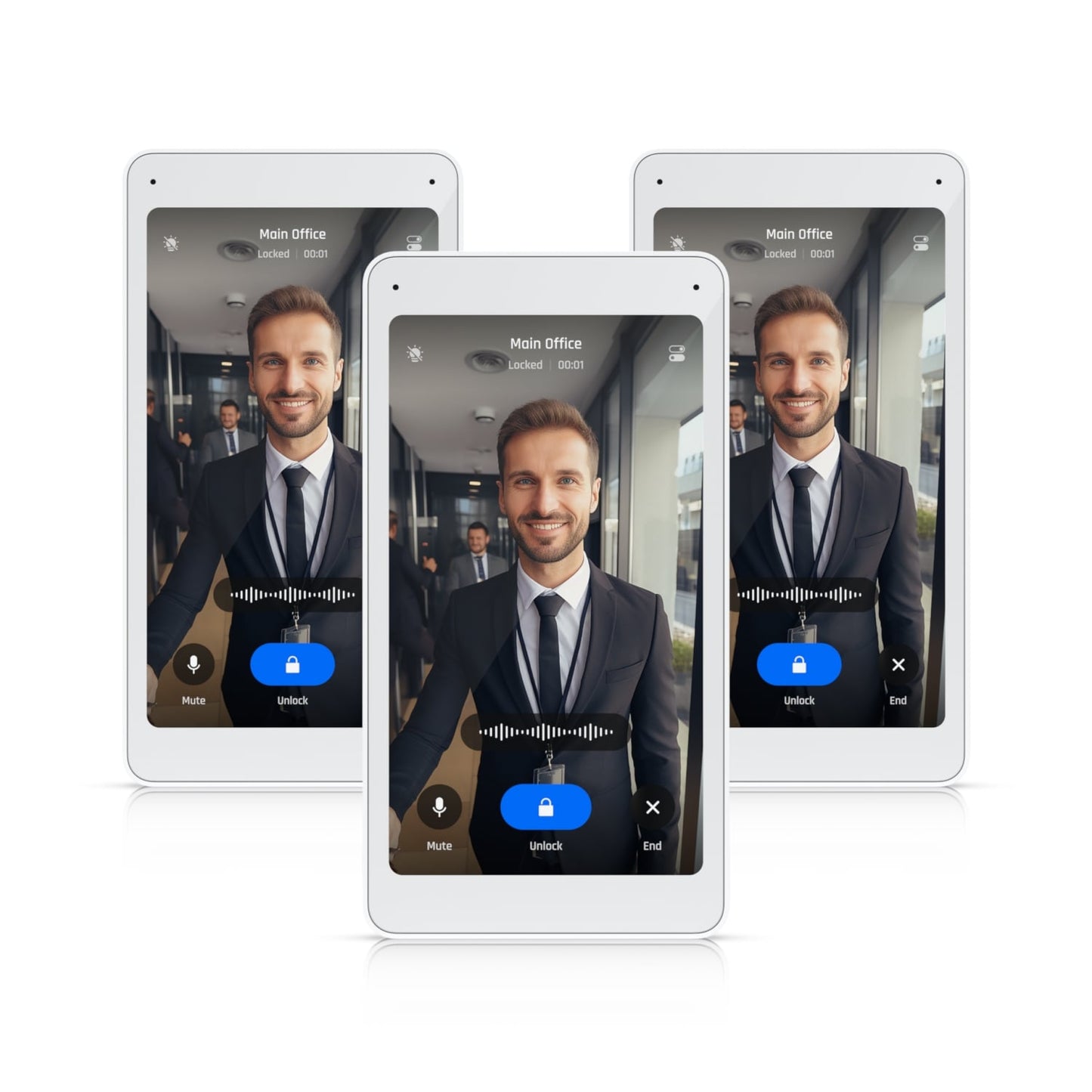
Ubiquiti UA-Intercom-Viewer-3 Intercom Display
Ubiquiti UA-Intercom-Viewer-3 Intercom Display
SKU:NHU-UA-INTERCOM-VIEWER-3
Couldn't load pickup availability
- See our return policy
- 12 months Manufacturer Warranty
Product Information
| Brand | Ubiquiti |
|---|---|
| Category | Network - UniFi |
| SKU | NHU-UA-INTERCOM-VIEWER-3 |
| Availability | In Stock |

Overview
- The Ubiquiti UA-Intercom-Viewer-3 is a purpose-built intercom display that extends your UniFi access control system beyond the entry point. The 5-inch touchscreen delivers clear video and audio, enabling two-way communication with visitors and remote staff monitoring from inside your facility.
Designed for businesses managing multiple access points, the viewer receives doorbell calls from one or more intercom locations, providing centralised visitor screening and access control. Installation is straightforward with Power over Ethernet (PoE) supply, requiring only a network cable from your PoE switch.
This display integrates directly with Ubiquiti's UniFi ecosystem, offering seamless compatibility with Intercom and Reader Pro systems. It is ideal for receptionists, security teams, and managers who need real-time visibility and communication control at entry points.
Specifications
| Manufacturer | Ubiquiti |
|---|---|
| Model | UA-Intercom-Viewer-3 |
| Product Type | Intercom Viewer Display |
| Display Size | 5-inch touchscreen |
| Communication | Two-way audio |
| Power Supply | Power over Ethernet (PoE) |
| Compatible Systems | UniFi Intercom, Reader Pro, UA-G3-Pro-B, UA-G3-Pro-W, UA-G2-Pro, UA-G2-Pro-Black |
| Warranty | 12 months |
Key Features
Ideal For
FAQs
What is the Ubiquiti Intercom Viewer used for?
The Intercom Viewer is a touchscreen display that integrates with your UniFi Intercom system to provide visitor screening and remote access control. It receives doorbell calls and enables two-way audio communication, allowing staff to manage visitor entry from inside your facility.
How is the Intercom Viewer powered?
The display is powered entirely through Power over Ethernet (PoE). You only need to connect it to a PoE-capable network switch, which supplies both data and power through a single cable.
Which Ubiquiti intercom systems is it compatible with?
The UA-Intercom-Viewer-3 is compatible with UniFi Intercom and Reader Pro systems, including models UA-G3-Pro-B, UA-G3-Pro-W, UA-G2-Pro, UA-G2-Pro-Black, and UA-Intercom.
Can I receive calls from multiple intercom locations?
Yes, the Intercom Viewer can receive doorbell calls from one or more intercom locations, allowing centralised monitoring and control across multiple entry points.
What warranty is provided?
The Ubiquiti UA-Intercom-Viewer-3 includes a 12-month manufacturer warranty.
Does the viewer support two-way audio?
Yes, the display features two-way audio communication, enabling staff to speak with visitors in real-time through the touchscreen interface.
Is installation complex?
Installation is straightforward. The display connects via PoE to your network switch and integrates with your existing UniFi Intercom system. Detailed installation guides are available from Ubiquiti.