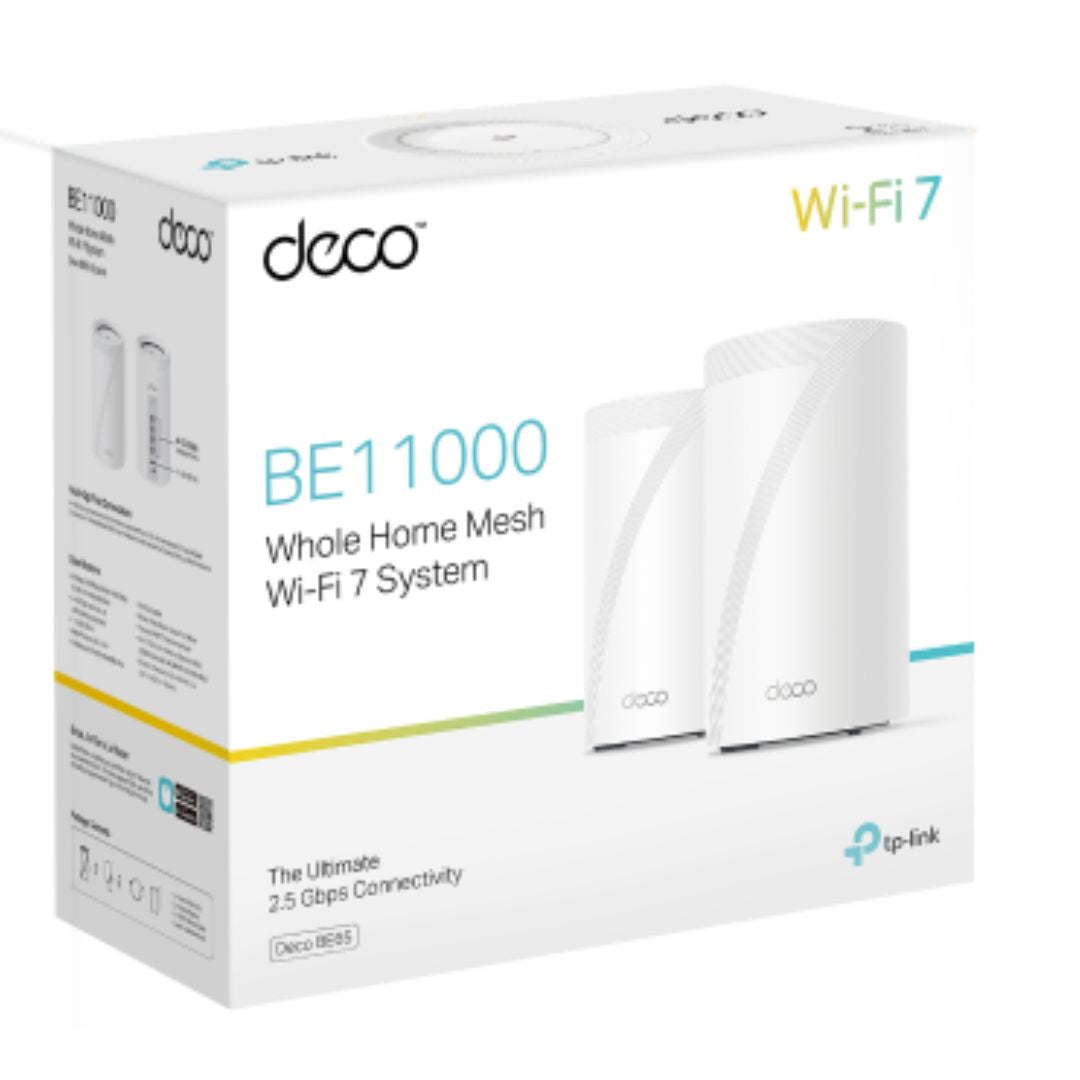
TP-Link Deco BE65 2-Pack BE11000 Mesh Wi-Fi 7 System
TP-Link Deco BE65 2-Pack BE11000 Mesh Wi-Fi 7 System
SKU:NWTL-DECOBE65-2
Couldn't load pickup availability
- See our return policy
- 36 months Manufacturer Warranty
Product Information
| Brand | TP-LINK |
|---|---|
| Category | Network - Consumer |
| SKU | NWTL-DECOBE65-2 |
| Availability | In Stock |

Overview
- The TP-Link Deco BE65 is a next-generation mesh Wi-Fi 7 system engineered to deliver reliable, high-speed wireless coverage across entire homes and offices. The 2-pack system combines 11 Gbps tri-band performance with advanced features including multi-link operation, 320 MHz channels, and 6 GHz band support to minimise interference and maximise throughput.
Each unit includes four 2.5 Gbps wired ports, enabling flexible deployment options and optimised backhaul configurations. The system supports simultaneous wireless and wired backhaul connections, improving overall performance and reducing latency. Multi-Link Operation allows the system to send and receive data across different bands and channels simultaneously, enhancing reliability for demanding applications.
TP-Link HomeShield provides comprehensive network security, robust parental controls, and real-time IoT protection—critical for household and business networks. The system is universally compatible with all Wi-Fi standards and works seamlessly with any internet service provider and modem, making deployment straightforward and future-proof.
With 36-month warranty coverage, the Deco BE65 represents a durable, future-ready investment for users seeking premium mesh networking performance.
Specifications
| Wi-Fi Standard | Wi-Fi 7 (802.11be) |
|---|---|
| Total Throughput | 11 Gbps (BE11000) |
| 2.4 GHz Band Speed | 574 Mbps |
| 5 GHz Band Speed | 4320 Mbps |
| 6 GHz Band Speed | 5760 Mbps |
| Bands | Tri-band |
| Wired Port Speed | 2.5 Gbps |
| Wired Ports per Unit | 4 |
| Maximum Channel Bandwidth | 320 MHz |
| Backhaul Type | Wireless and wired combined |
| Multi-Link Operation (MLO) | Yes |
| 6 GHz Band Support | Yes |
| HomeShield Security | Yes |
| Parental Controls | Yes |
| IoT Security | Real-time protection |
| Package Contents | 2-pack mesh units |
| Warranty | 36 months |
Key Features
Ideal For
FAQs
Is the TP-Link Deco BE65 compatible with my existing modem and ISP?
Yes. The Deco BE65 is universally compatible with all Wi-Fi generations and works with any internet service provider and modem. Simply connect it to your existing network and follow the setup process.
What does Multi-Link Operation (MLO) do?
MLO allows the system to simultaneously send and receive data across different bands and channels. This increases throughput, reduces latency, and improves overall reliability for connected devices.
Can I use both wireless and wired backhaul at the same time?
Yes. The Deco BE65 supports wireless and wired combined backhaul, allowing each unit to connect both ways simultaneously. This improves overall throughput and reduces latency.
What is the 6 GHz band and why does it matter?
The 6 GHz band is new greenfield spectrum with minimal congestion. The Deco BE65's 6 GHz support delivers robust high-speed connections with reduced interference from existing Wi-Fi networks.
How many devices can the Deco BE65 support?
The 2-pack system is designed for large homes and offices with many connected devices. The exact number depends on device types and usage patterns. HomeShield provides IoT security across all connected devices.
What is TP-Link HomeShield?
HomeShield is a comprehensive network protection suite that includes parental controls, real-time IoT security monitoring, and threat detection. It helps keep your network and connected devices secure.
How much of my home will two units cover?
Coverage depends on home size, layout, and construction materials. The 2-pack is suitable for large homes and multi-storey residences. Check TP-Link's coverage guidelines for your specific layout.
Is professional installation required?
No. The Deco BE65 is designed for straightforward self-installation. Simply unbox, place units strategically, and use the TP-Link app to complete setup.