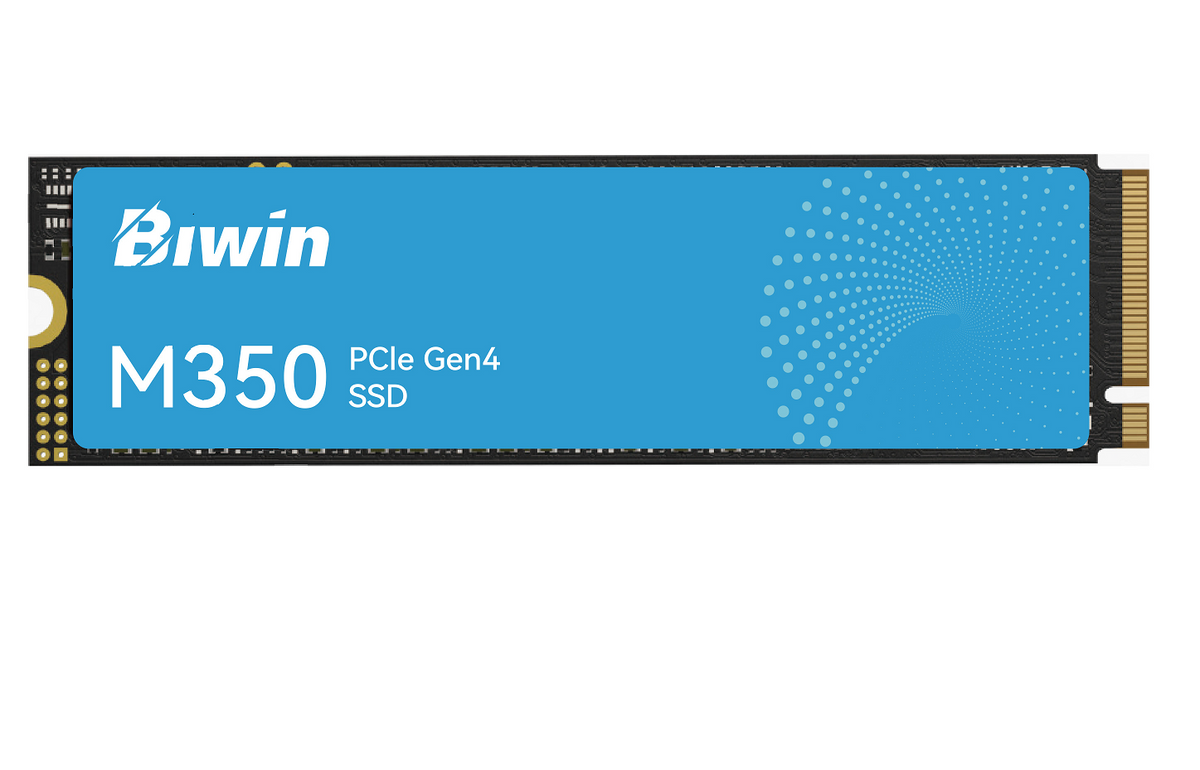
BIWIN M350-2TB NVMe SSD PCIe 4.0
BIWIN M350-2TB NVMe SSD PCIe 4.0
SKU:BIW-M350-2TB
Couldn't load pickup availability
- See our return policy
- 5 years Manufacturer Warranty
Product Information
| Brand | BIWIN |
|---|---|
| Category | Hard Disk Drives - SSD |
| SKU | BIW-M350-2TB |
| Availability | In Stock |

Overview
- The BIWIN M350-2TB is a PCIe 4.0 NVMe SSD engineered for high-speed data transfer and responsive system performance. With read speeds reaching 6,000 MB/s and write speeds of 5,000 MB/s, it significantly reduces application load times and improves overall computing responsiveness.
Designed for professionals and enthusiasts who require fast, reliable storage, this drive supports modern PCIe 4.0 systems whilst maintaining backward compatibility. The 2TB capacity provides ample space for applications, large files, and media libraries.
Backed by a 5-year warranty, the M350-2TB delivers dependable performance for demanding workloads including video editing, 3D rendering, software development, and gaming.
Specifications
| Brand | BIWIN |
|---|---|
| Model | M350-2TB |
| Product Type | NVMe SSD |
| Form Factor | M.2 |
| Interface | PCIe 4.0 |
| Capacity | 2TB |
| Sequential Read Speed | Up to 6,000 MB/s |
| Sequential Write Speed | Up to 5,000 MB/s |
| Warranty | 5 years |
Key Features
Ideal For
FAQs
Is the BIWIN M350-2TB compatible with my system?
The M.2 NVMe form factor is compatible with most modern systems featuring an M.2 NVMe slot. Check your motherboard specifications for PCIe 4.0 support to achieve maximum performance, though it is backward compatible with PCIe 3.0 systems.
What warranty does the BIWIN M350-2TB include?
The drive includes a 5-year manufacturer warranty covering defects and hardware failures.
How much faster is PCIe 4.0 compared to PCIe 3.0?
PCIe 4.0 doubles the bandwidth of PCIe 3.0, enabling sequential read and write speeds up to 6,000 MB/s and 5,000 MB/s respectively on capable systems.
Is 2TB enough storage for my needs?
2TB is suitable for most users, though requirements depend on your workload. Content creators and professionals handling large files may benefit from additional storage capacity.
Can I use this SSD in a laptop?
Yes, provided your laptop has an M.2 NVMe slot. The compact form factor makes it ideal for laptop upgrades.
What is the difference between read and write speeds?
Read speed (6,000 MB/s) determines how quickly data is accessed from the drive, whilst write speed (5,000 MB/s) affects how fast data is saved. Both are important for overall system responsiveness.