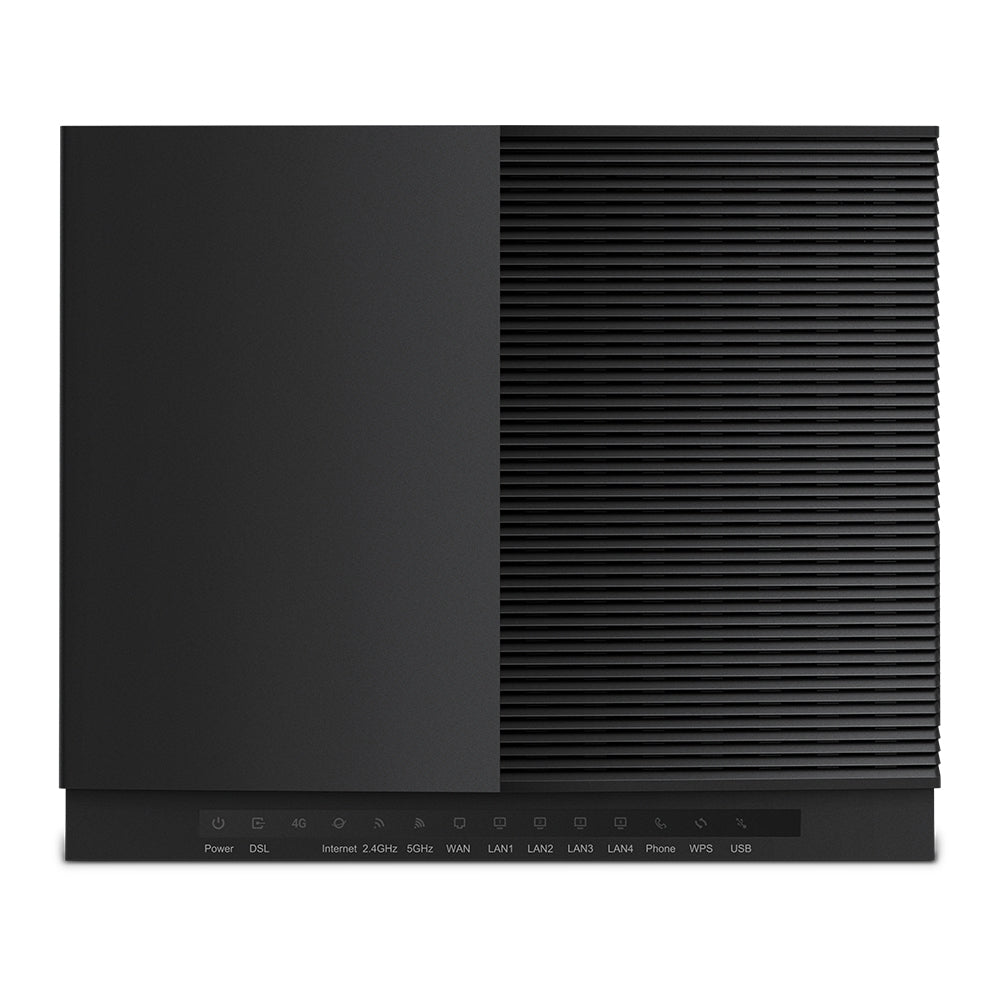
TP-Link VX420-G2h AX5400 Wi-Fi 6 Modem Router with VoIP
TP-Link VX420-G2h AX5400 Wi-Fi 6 Modem Router with VoIP
SKU:NWTL-VX420-G2H
The TP-Link VX420-G2h is an AX5400 Wi-Fi 6 modem router with integrated VoIP for home and small business networks. It combines hybrid internet connectivity (DSL, fibre, cable, 4G), fast dual-band Wi-Fi, and multiple Gigabit ports for reliable, high-speed performance across all your devices.
Couldn't load pickup availability
- See our return policy
- 2 years Manufacturer Warranty
Product Information
| Brand | TP-LINK |
|---|---|
| Category | Network - Consumer |
| SKU | NWTL-VX420-G2H |
| Availability | In Stock |

Overview
- The TP-Link VX420-G2h is a next-generation hybrid modem router that combines Wi-Fi 6 performance with flexible internet connectivity. It supports VDSL2, fibre, cable, and 4G cellular access, making it ideal for properties where multiple connection types may be available or required. The router delivers up to 5.4 Gbps across dual bands, with advanced beamforming and antenna technology ensuring strong coverage throughout homes and small offices.
Built-in VoIP functionality supports multiple accounts and call features, providing a complete voice and data solution without additional hardware. Four Gigabit LAN ports plus one WAN port enable fast wired connectivity for bandwidth-intensive devices. OFDMA and MU-MIMO technologies allow the router to handle simultaneous connections from numerous devices without performance degradation.
Security is handled through WPA3 encryption, Multi-SSID capability, and parental controls. The router is EasyMesh compatible, allowing seamless expansion via additional mesh nodes for whole-home coverage. Remote management capabilities support industry-standard protocols (TR-069, TR-098, TR-181, TR-111, TR-104, TR-143) and TP-Link's Aginet Unified Cloud platform, making it suitable for ISPs and managed service environments.
Specifications
| Brand | TP-Link |
|---|---|
| Model | VX420-G2h |
| Product Type | Wi-Fi 6 Modem Router |
| Wi-Fi Standard | IEEE 802.11ax (Wi-Fi 6) |
| Wi-Fi Speed | AX5400 (up to 5.4 Gbps) |
| Dual Band | 2.4 GHz and 5 GHz |
| Internet Connectivity | VDSL2 Profile 17a, Fibre, Cable, 4G cellular (SIM slot) |
| Ethernet Ports | 1× Gigabit WAN, 4× Gigabit LAN |
| Advanced Technologies | OFDMA, MU-MIMO, Beamforming |
| Mesh Support | EasyMesh compatible |
| VoIP | Multiple account support with advanced calling features |
| Security | WPA3 encryption, Multi-SSID, Parental controls |
| Management | TP-Link Aginet app, TAUC (TP-Link Aginet Unified Cloud) |
| Remote Management Protocols | TR-069, TR-098, TR-181, TR-111, TR-104, TR-143 |
| Warranty | 2 years |
Key Features
Ideal For
FAQs
What internet connection types does the VX420-G2h support?
The VX420-G2h supports VDSL2 Profile 17a (DSL), fibre, cable, and 4G cellular via SIM slot. This hybrid approach lets you connect using whichever technology is available at your location or use 4G as a backup connection.
Can I use this router for VoIP calls?
Yes, the VX420-G2h has integrated VoIP capability with support for multiple accounts and advanced calling features. It can replace or supplement traditional landline services.
Is this router suitable for mesh network expansion?
Yes, the VX420-G2h is EasyMesh compatible, allowing you to add additional mesh nodes for seamless whole-home Wi-Fi coverage without dead zones.
How many devices can connect simultaneously?
The router uses OFDMA and MU-MIMO technologies to handle simultaneous connections from multiple devices. These technologies increase capacity and allow the router to transmit to many devices at once without congestion.
Can ISPs manage this router remotely?
Yes, the VX420-G2h supports industry-standard remote management protocols including TR-069, TR-098, TR-181, TR-111, TR-104, and TR-143, plus TP-Link's Aginet Unified Cloud platform for centralised ISP management.
What is the warranty period?
The VX420-G2h includes a 2-year warranty covering manufacturing defects and hardware issues.
How do I set up the router?
Setup is simple using the TP-Link Aginet mobile app, which guides you through configuration in minutes. You can also manage the router and network settings remotely via the app.