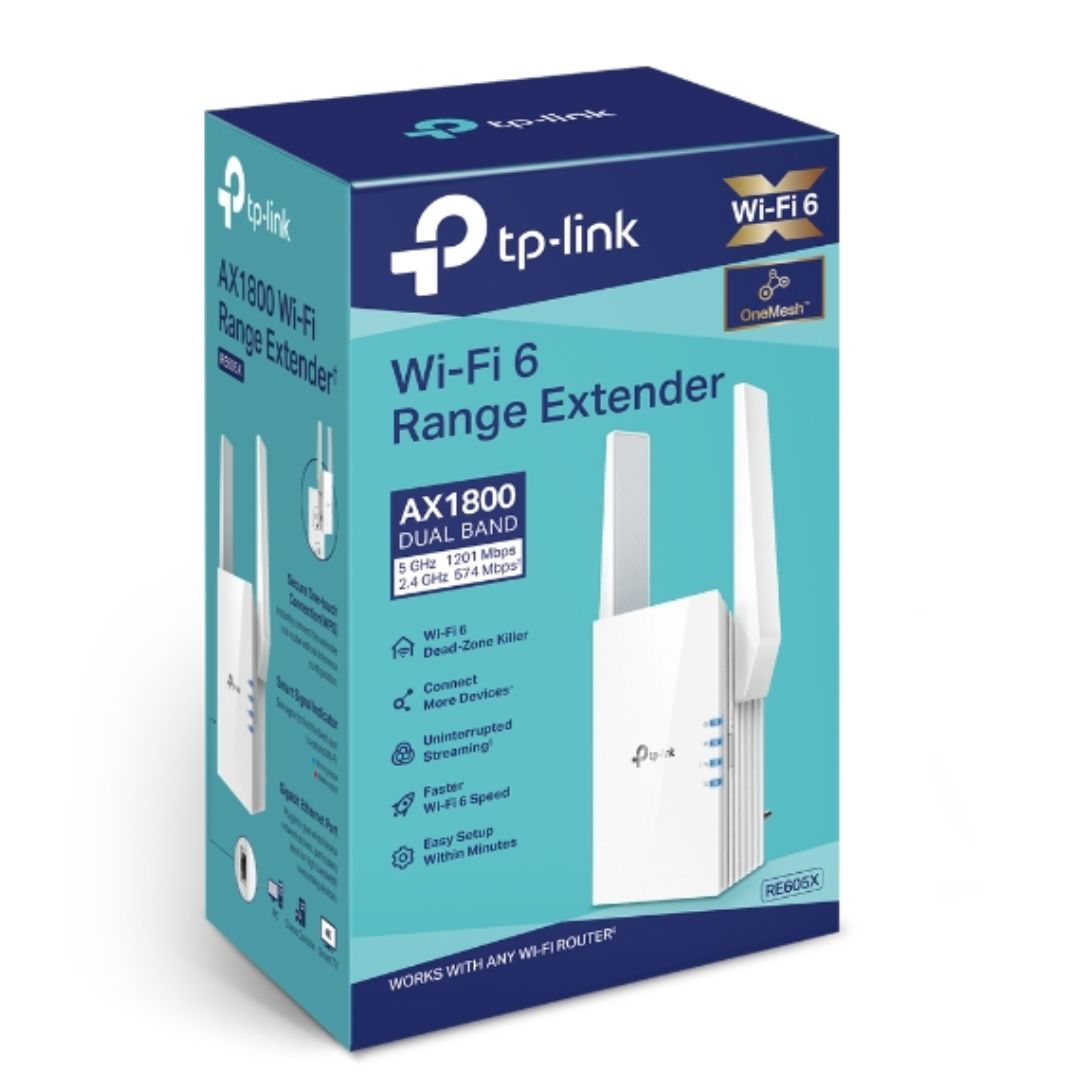
TP-Link RE605X AX1800 Wi-Fi 6 Range Extender
TP-Link RE605X AX1800 Wi-Fi 6 Range Extender
SKU:NWTL-RE605X
Couldn't load pickup availability
- See our return policy
- 36 months Manufacturer Warranty
Product Information
| Brand | TP-LINK |
|---|---|
| Category | Network - Consumer |
| SKU | NWTL-RE605X |
| Availability | In Stock |

Overview
- The TP-Link RE605X is an AX1800 Wi-Fi 6 range extender that extends your existing network to reach every corner of your space. With Wi-Fi 6 technology, it delivers significantly faster speeds and greater network capacity than previous standards, making it ideal for homes and offices with multiple connected devices.
Featuring a Gigabit Ethernet port, the RE605X supports both wireless extension and wired access point modes, giving you flexibility in deployment. OneMesh compatibility allows you to create a seamless mesh network with compatible TP-Link routers, eliminating the need to switch networks as you move between areas.
The intelligent signal light helps you find the optimal placement before installation, whilst the TP-Link Tether app puts network management in your hands. With support for WPA/WPA2 encryption and compatibility with virtually any Wi-Fi router, the RE605X is a practical solution for improving coverage without major infrastructure changes.
Specifications
| wireless_standard | IEEE 802.11a/n/ac/ax (5GHz), IEEE 802.11b/g/n/ax (2.4GHz) |
|---|---|
| frequency_bands | 2.4GHz and 5GHz dual band |
| signal_rate_2_4ghz | 574 Mbps |
| signal_rate_5ghz | 1201 Mbps |
| total_throughput | AX1800 |
| antenna_count | 2 external antennas |
| antenna_type | 2x2 MIMO |
| ethernet_ports | 1 Gigabit Ethernet port |
| buttons | WPS, Reset |
| power_consumption | 10W |
| transmit_power_2_4ghz | ≤15 dBm (CE) |
| transmit_power_5ghz | ≤21 dBm (CE) |
| security | 64/128-bit WEP, WPA/WPA2-PSK encryption |
| operating_modes | Range Extender, Access Point |
| mesh_capability | OneMesh compatible |
| management | TP-Link Tether app (iOS, Android) |
| dimensions | 74.0 x 46 x 124.8 mm (2.9 x 1.8 x 4.9 inches) |
| warranty | 36 months |
| system_requirements | Windows 98SE or later, macOS, Linux, UNIX, NetWare |
Key Features
Ideal For
FAQs
What is the difference between a range extender and a mesh system?
A range extender like the RE605X wirelessly amplifies your existing router's signal to reach dead zones. Mesh systems replace your router entirely with multiple nodes working together. The RE605X offers a more affordable option if you're happy with your current router and just need extended coverage.
Can the RE605X work with any Wi-Fi router?
Yes, the RE605X is compatible with virtually any Wi-Fi router or wireless access point. It supports standard Wi-Fi protocols and can extend range regardless of your router's brand or model.
What is OneMesh and do I need it?
OneMesh is TP-Link's mesh networking feature that allows the RE605X to create seamless roaming between compatible TP-Link routers without manual network switching. It's optional—the extender works perfectly without a OneMesh router—but it enhances user experience if you have compatible TP-Link equipment.
How do I set up the TP-Link RE605X?
The RE605X can be set up using the TP-Link Tether app on your mobile device or via a web browser. The intelligent signal light helps you find the best location for optimal coverage before installation.
Can I use the RE605X as a standalone access point?
Yes. The RE605X includes an Access Point mode that allows you to connect it to your network via Ethernet cable to create a new Wi-Fi hotspot, rather than extending an existing wireless signal.
What is the Gigabit Ethernet port used for?
The Gigabit Ethernet port allows you to connect wired devices like smart TVs, computers, or gaming consoles directly to the extender for faster, more stable connections. It can also be used to connect the RE605X to your network in Access Point mode.
How does Wi-Fi 6 improve performance compared to older standards?
Wi-Fi 6 (802.11ax) delivers higher speeds, greater network capacity, and reduced congestion, especially in environments with many connected devices. The RE605X supports Wi-Fi 6 on both 2.4GHz and 5GHz bands for better performance across all device types.