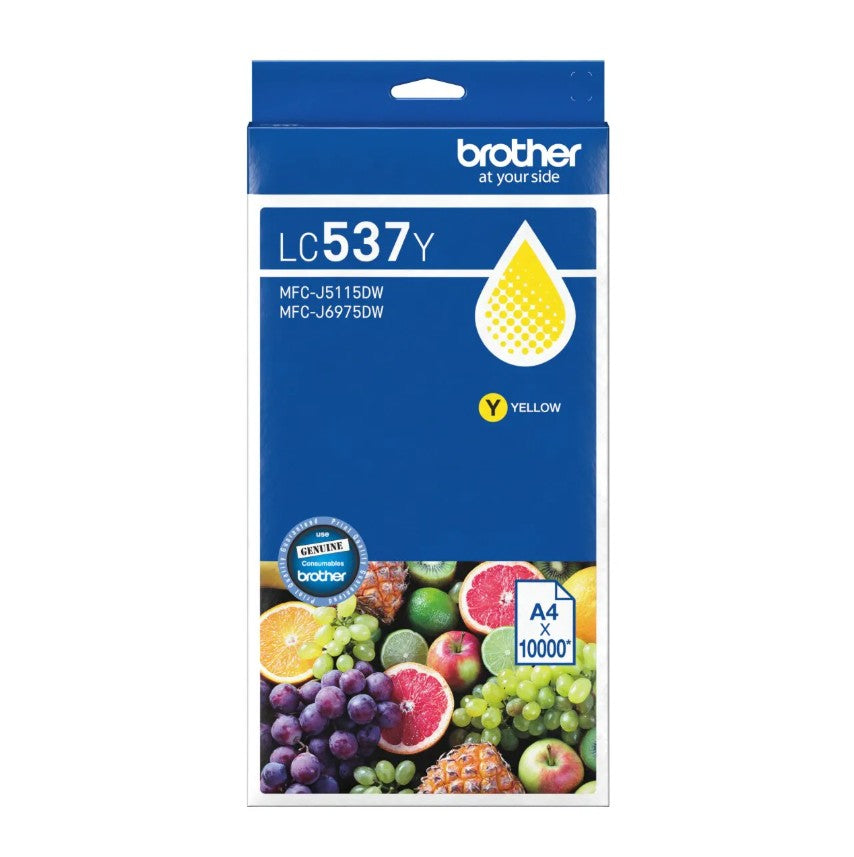
Brother LC537Y Yellow Ink Cartridge for MFC-J6975DW
Brother LC537Y Yellow Ink Cartridge for MFC-J6975DW
SKU:COB-LC537Y
Couldn't load pickup availability
- See our return policy
- 12 months Manufacturer Warranty
Product Information
| Brand | Brother |
|---|---|
| Category | Printer Consumable |
| SKU | COB-LC537Y |
| Availability | Out of Stock |

Overview
- The Brother LC537Y yellow ink cartridge is a genuine consumable designed specifically for the Brother MFC-J6975DW multifunction printer. With a high page yield of up to 10,000 pages, this cartridge provides excellent value for businesses and workgroups with regular printing demands.
This cartridge delivers vibrant, professional-quality yellow output suitable for reports, marketing materials, and business correspondence. Using genuine Brother ink ensures optimal colour accuracy, print quality, and compatibility with your MFC-J6975DW device.
Ideal for organisations seeking reliable, cost-effective colour printing solutions without compromising on quality or performance.
Specifications
| Brand | Brother |
|---|---|
| Model | LC537Y |
| Cartridge Type | Yellow Ink |
| Compatible Printers | Brother MFC-J6975DW |
| Page Yield | Up to 10,000 pages |
| Warranty | 12 months |
Key Features
Ideal For
FAQs
What page yield can I expect from the Brother LC537Y cartridge?
The Brother LC537Y delivers up to 10,000 pages of colour output under normal printing conditions. Actual yield may vary depending on image coverage, print density, and usage patterns.
Is the LC537Y compatible with other Brother printers?
The LC537Y is specifically designed for the Brother MFC-J6975DW. For compatibility with other models, please check your printer's documentation or contact Hyetech Australia.
What is the warranty on this cartridge?
The Brother LC537Y comes with a 12-month manufacturer's warranty covering defects in materials and workmanship.
How do I install the LC537Y cartridge?
Installation instructions are included with the cartridge. Generally, you'll open the printer's cartridge access panel, remove the old cartridge, and insert the new LC537Y yellow cartridge until it clicks into place.
Can I use third-party cartridges instead of genuine Brother ink?
Whilst compatible third-party options may be available, genuine Brother cartridges like the LC537Y are recommended to ensure optimal print quality, colour accuracy, and printer performance.
How do I know when my cartridge needs replacing?
Your MFC-J6975DW will display a low ink warning when cartridge levels are depleted. The printer may also produce lower-quality output or refuse to print once a cartridge is empty.